
How FaceBlurify Identity Gallery Works: Analyze, Review, Keep, Blur
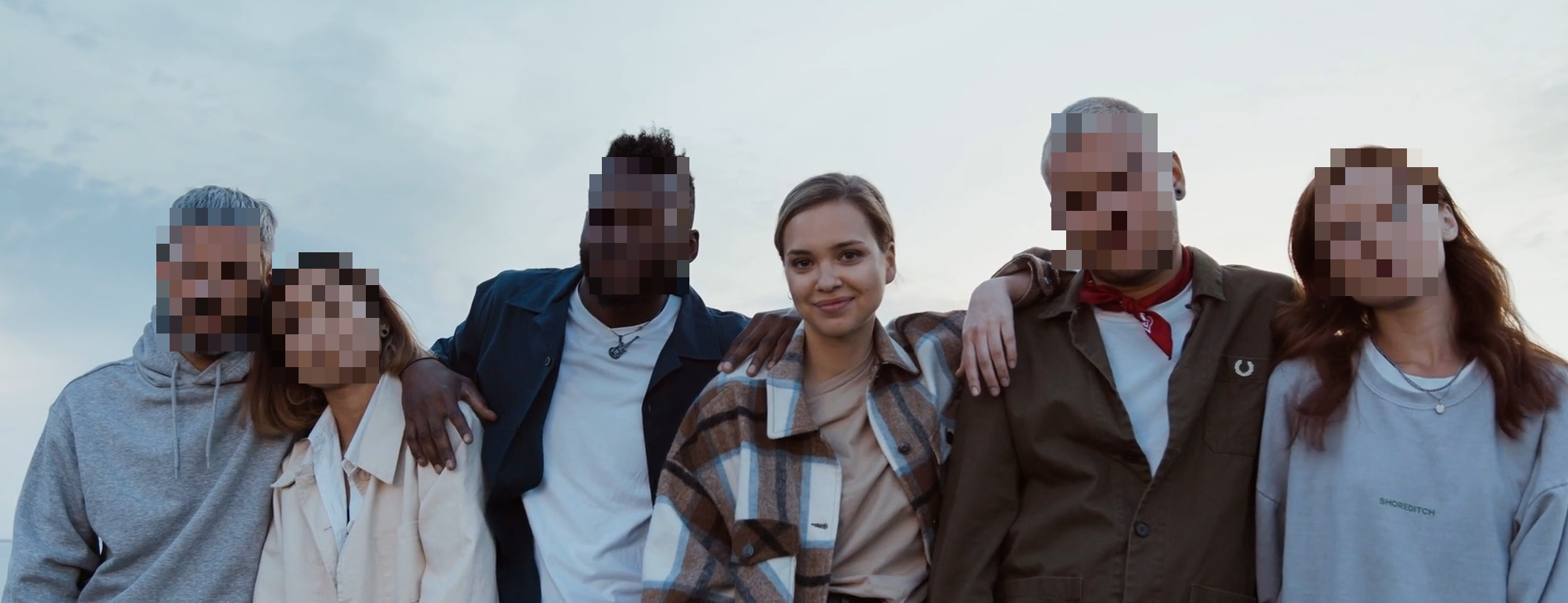
Use identity gallery to keep yourself visible and blur everyone else
Analyze the clip, review grouped identities, and export with a clear keep-or-blur decision for each person.
Best setup for this workflow
Identity gallery is the core of selective anonymization. It converts raw detections into a simple decision UI: choose which identities to keep and which identities to anonymize.
Use selective workflow here: /en/tools/blur-faces-videos/
The 2-stage model
- Analyze stage: detect and group people over time.
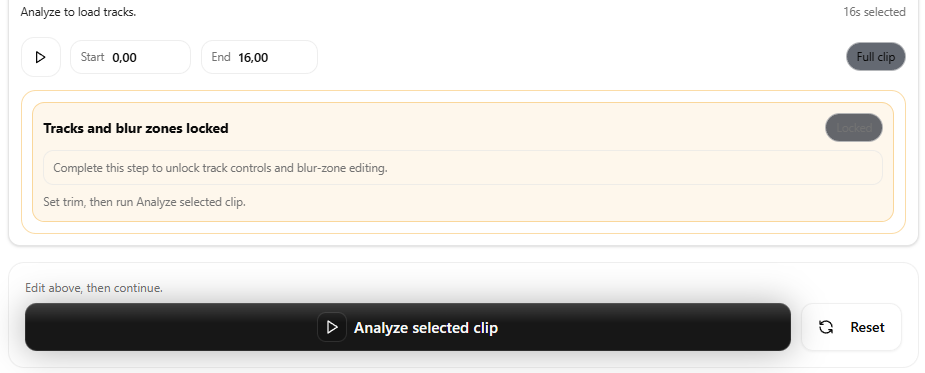
- Apply stage: enforce your keep/blur policy on the output render.
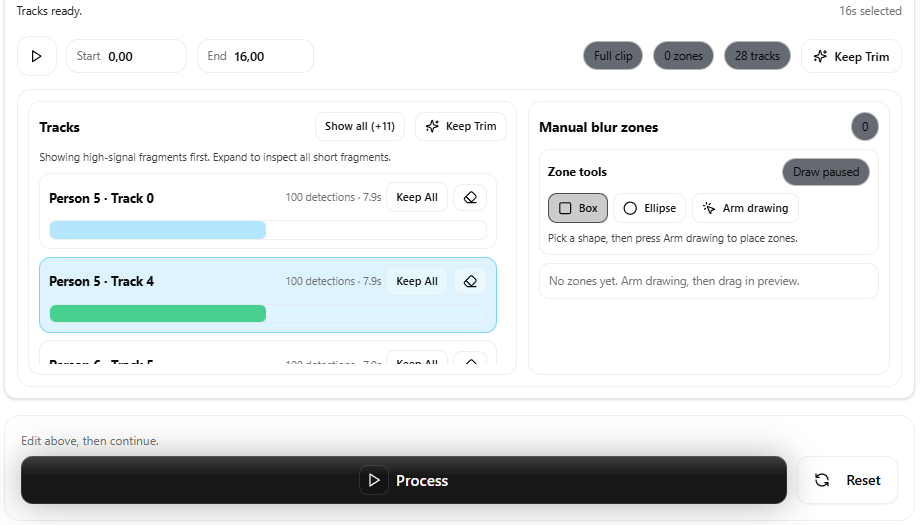
This keeps decisions explicit and reproducible.
Why this is better than manual frame-by-frame edits
- Faster for long clips.
- More consistent across scene changes.
- Easier to explain in team workflows.
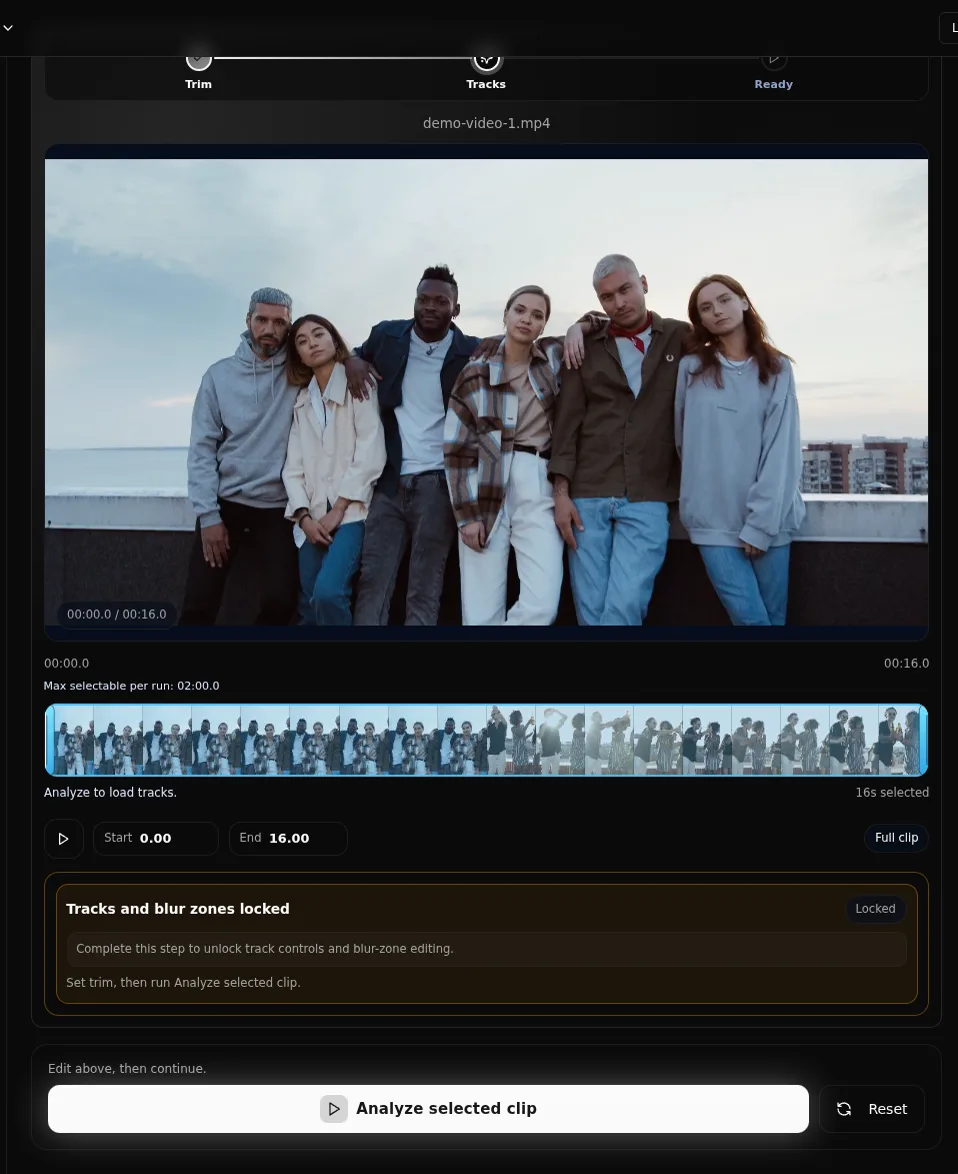
Practical tuning knobs
During analysis, two settings matter most:
- Frame stride: lower values increase sampling quality.
- Similarity threshold: controls how strictly detections are grouped.
If identities are split too much, relax similarity slightly. If identities merge incorrectly, tighten it.
Fix common identity grouping issues
One person shows up as multiple identities (split)
- Trim to a shorter segment where lighting is consistent.
- Lower frame stride for denser sampling.
- Relax similarity slightly and re-run analysis.
Multiple people get merged into one identity (merge)
- Tighten similarity and re-run analysis on the problem segment.
- Prefer selective workflow and review crossings carefully.
- If the scene is crowded, consider full-body anonymization for wide shots.
Keep/blur policy model
- Default behavior is usually blur all detected identities.
- Switch selected people to keep when needed.
- Re-run analysis only if grouping quality is not acceptable.
Quality assurance checklist
- Verify each gallery identity card corresponds to the intended person.
- Check transitions where people cross paths.
- Review final output for missed faces in low-light or profile angles.
Where this fits in production
Identity gallery works best for:
- Creator and interview footage.
- Team reviews where one speaker stays visible.
- Compliance-sensitive edits that need traceable decision logic.
Related guides
- Blur everyone except you
- Video anonymization best practices
- Detection missed someone? fixes
- Face blur vs full-body anonymization
FAQ
Does identity gallery work for crowded scenes?
Yes, but crowded scenes often benefit from lower frame stride and careful final review.
Can I update decisions after analysis?
Yes. You can change keep/blur decisions before applying.
Is this the same as full-body anonymization?
No. Identity gallery is face identity workflow. Full-body is a separate anonymization target.