
Face Detection Missed Someone? 9 Fixes for Video Anonymization
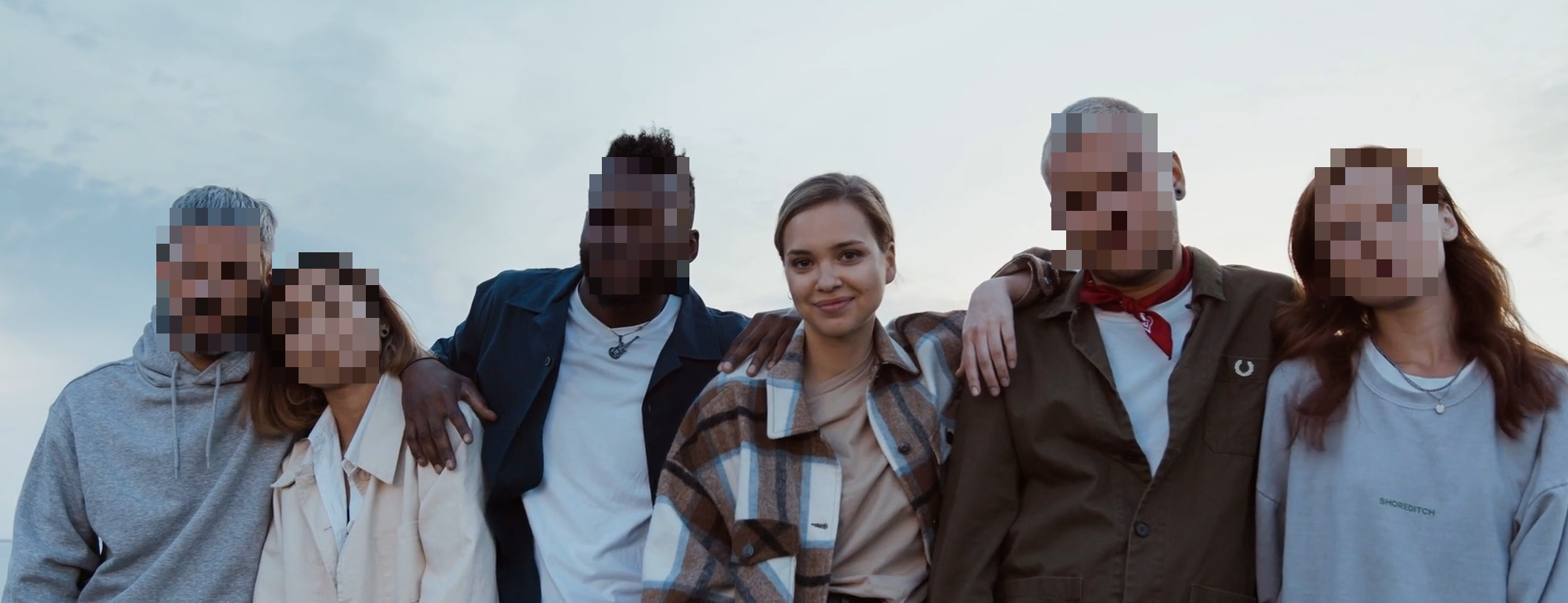
Missed detections happen in difficult footage: fast motion, low light, profile angles, crowd occlusion, and scene cuts. The fix is usually workflow tuning, not a full restart from scratch.
9 practical fixes
Before tweaking anything, start with the correct workflow:
- Blur all faces (fastest): /en/tools/blur-faces-videos/
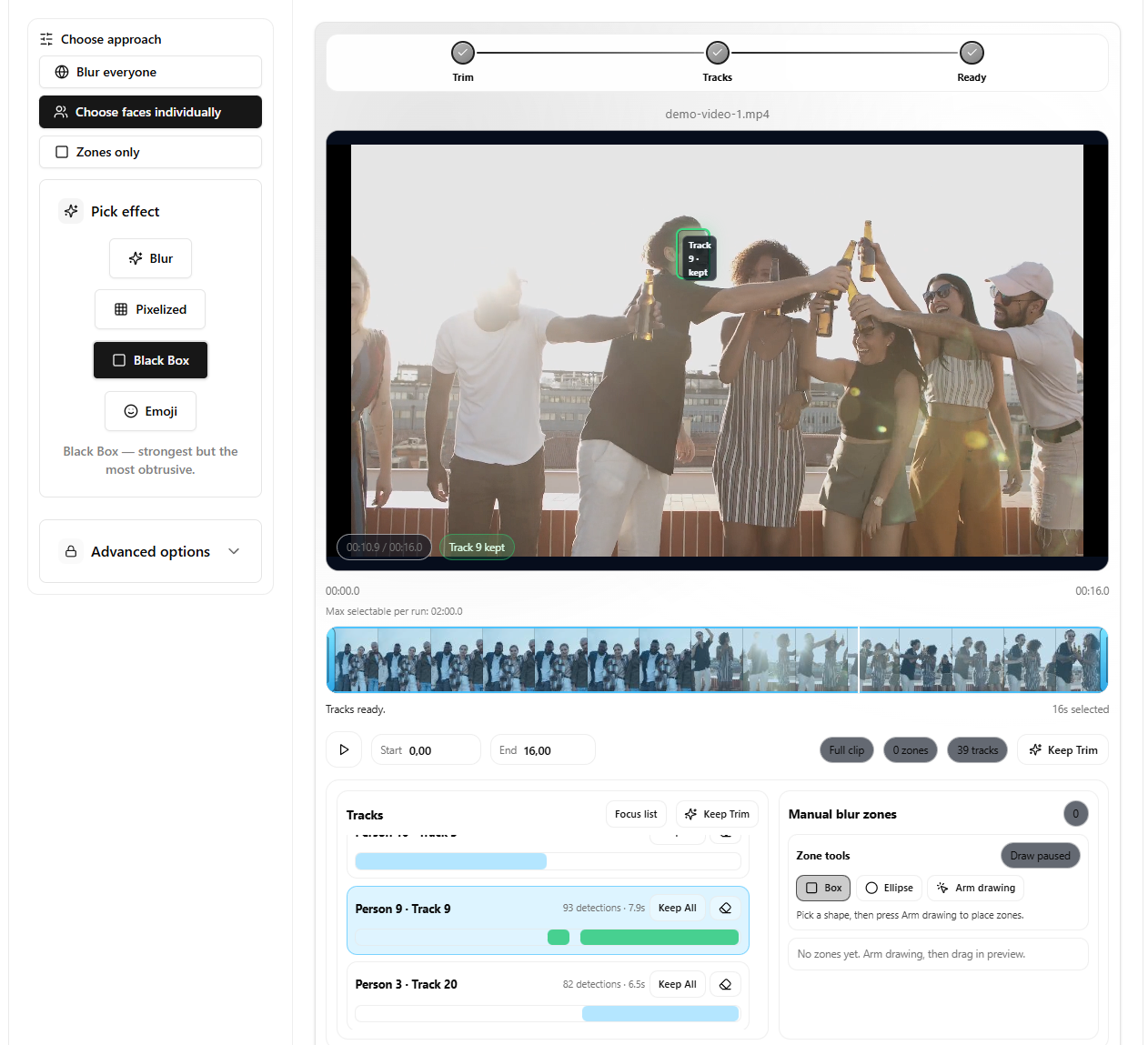
- Choose faces individually (best for hard clips): /en/tools/blur-faces-videos/
Now apply these fixes in order:
- Trim first to analyze only the sensitive range. Long clips increase misses because you review less carefully.
- Use selective workflow for control over difficult segments. It is easier to spot one missed identity than one missed frame.
- Lower frame stride for denser sampling. If faces appear for only a few frames, sampling density is the difference between hit and miss.
- Adjust similarity threshold if identity grouping looks off. Bad grouping can look like “missed faces” when it is really “split/merged identities”.
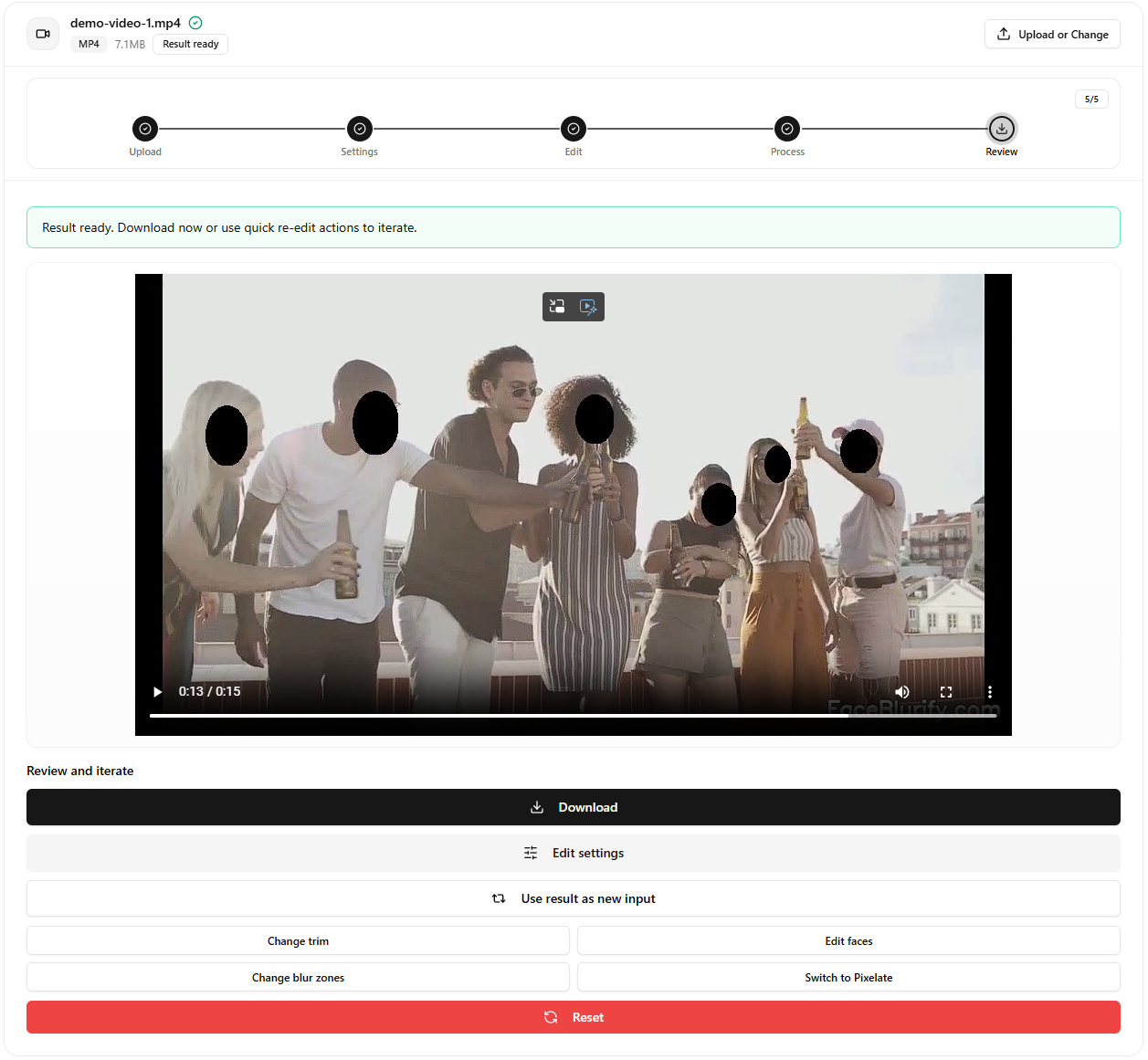
- Use a stronger effect when borderline visibility remains. If a face is partially detected, strong pixelation or black box is safer than soft blur.
- Review scene cuts where misses often happen. Lighting and camera angle changes can cause a short detection gap.
- Add manual zones for non-face sensitive elements. Screens, badges, logos, and reflections still belong here, while readable license plates are better handled with the dedicated plate tool.
- Re-run only the problematic section, not the entire clip. Iterating fast matters more than perfect settings on the first run.
- Use a final checklist before publishing. Most privacy leaks happen in intros, outros, and fast transitions.
Typical root causes
- Side profiles with limited facial landmarks.
- Backlighting and low contrast.
- People entering/exiting frame quickly.
- Compression artifacts from source media.
Settings cheat sheet (good starting points)
- If faces are brief: lower frame stride and trim to the smallest segment that still includes the sensitive moment.
- If identities are split too much: relax similarity slightly, then re-check grouping.
- If identities merge incorrectly: tighten similarity and re-run analysis on a shorter segment.
- If detection is inconsistent: prefer selective workflow so you can validate identity decisions, not just frames.
Recovery workflow
- Isolate issue segment.
- Re-analyze with stricter sampling.
- Validate keep/blur decisions.
- Re-export and compare against previous output.
When it is not a face problem
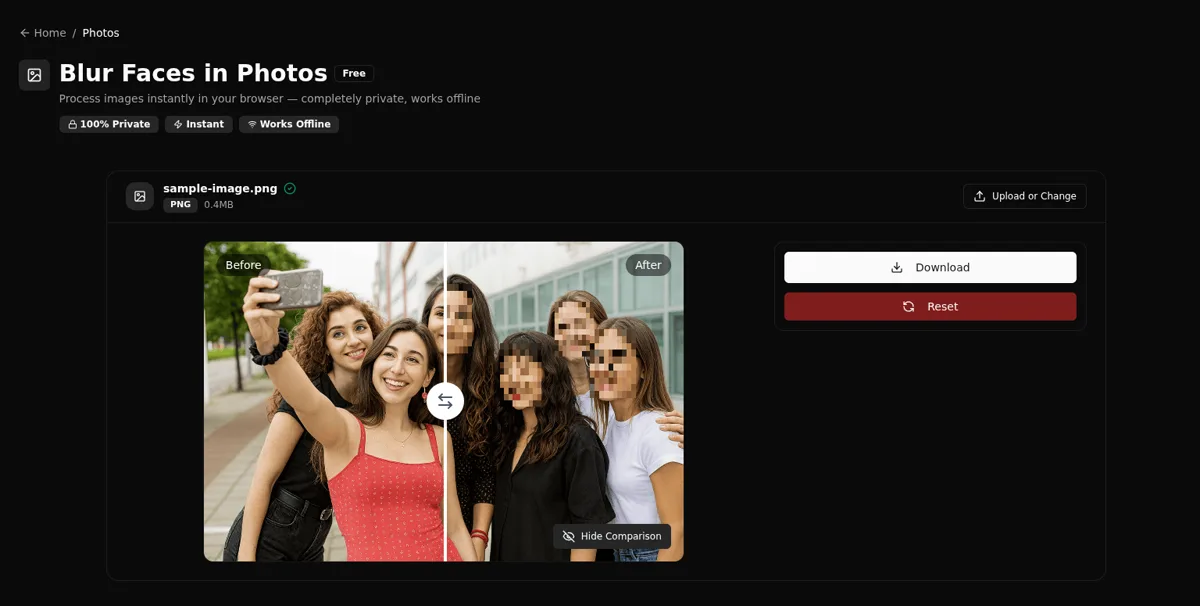
If identity could still be inferred from clothing, body shape, or distance, consider full-body anonymization instead of chasing face-only detections:
- Full-body tool: /en/tools/blur-fullbody-videos/
Related guides
- Identity gallery explained
- Selective blur workflow
- Blur only part of a video
- License plate redaction workflow
FAQ
Should I always use the lowest frame stride?
Not always. Lower stride improves coverage but increases processing time.
What if quality is still inconsistent?
Split the clip into segments and process the difficult sections with stricter settings.
Can manual zones help missed detections?
Yes, especially for objects and predictable regions that need guaranteed masking. For license plates, use the dedicated plate workflow first, then fall back to zones only when needed.
What is the fastest way to verify a fix worked?
Trim to a 10-20 second test segment, re-run once, and review the result before processing the full clip.