
How to Blur Faces in Photos Online: Fast Workflow for Safer Sharing
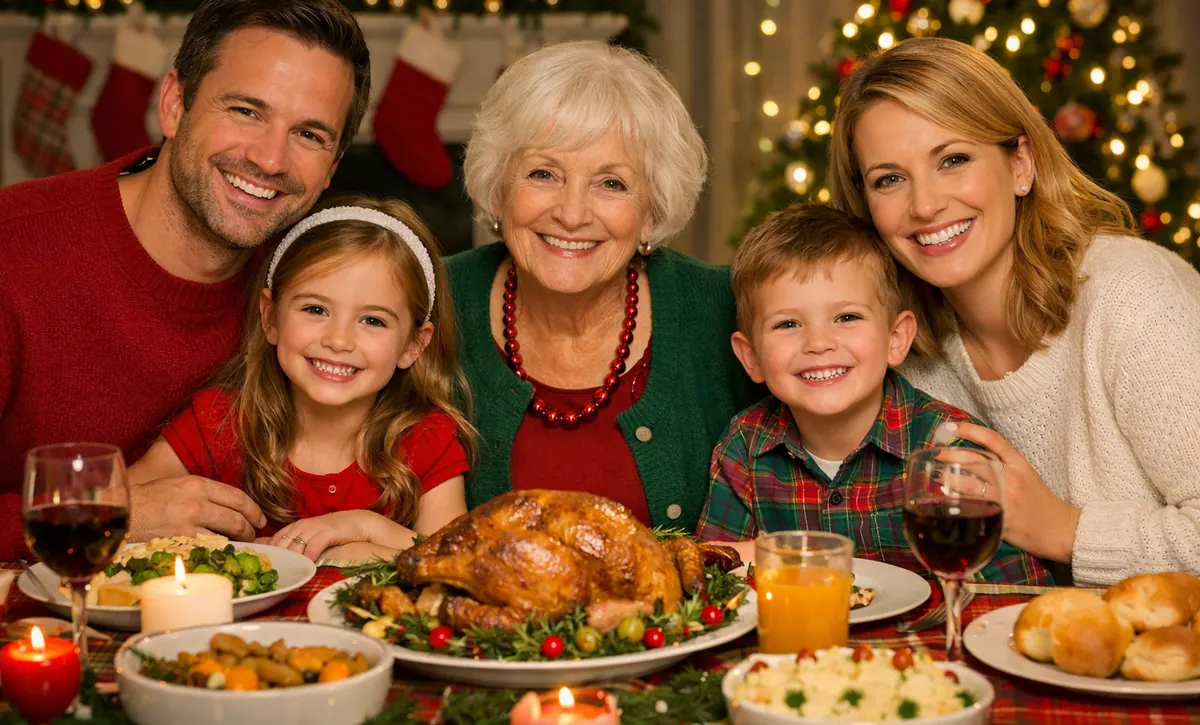
If you share photos publicly, face blurring should be as normal as resizing or cropping. Whether you post event pictures, school activities, creator content, or internal reports, anonymizing faces reduces risk and keeps publishing predictable.
FaceBlurify photo flow is simple and fast, so teams actually use it.
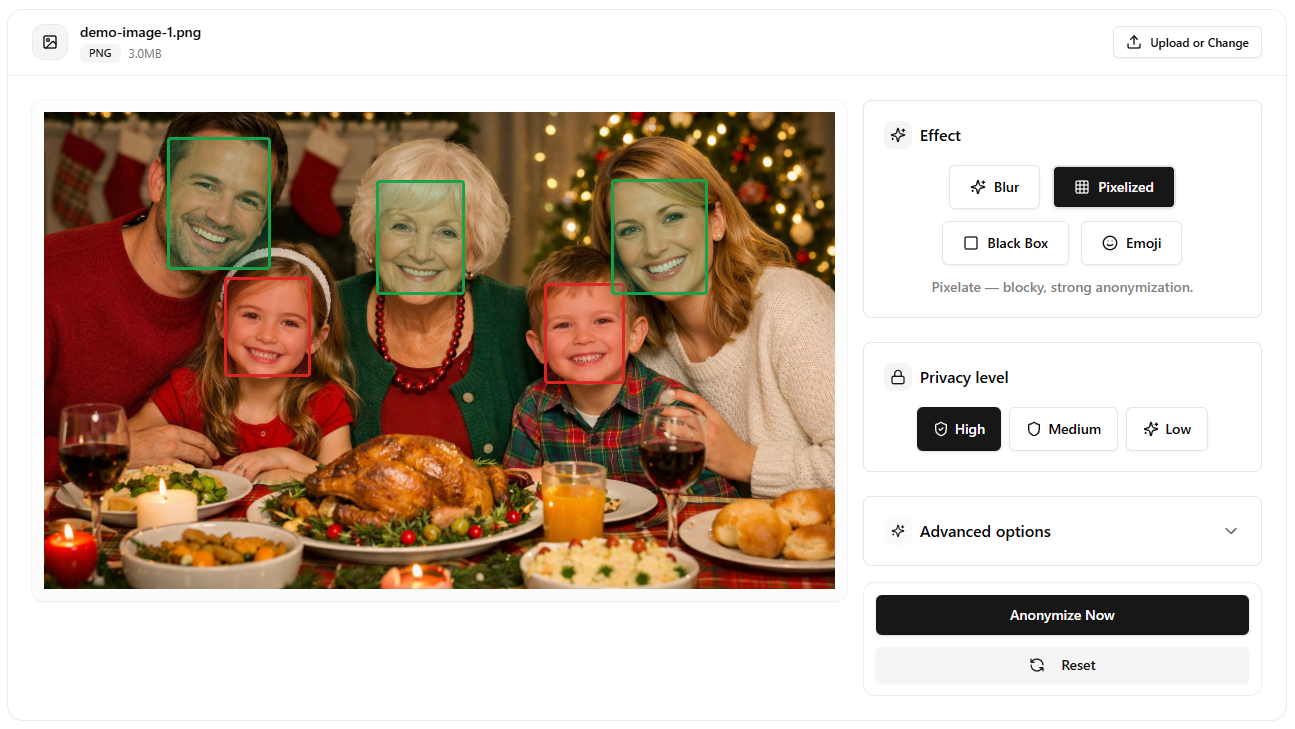
Step-by-step: blur faces in a photo
- Open the photo tool: /en/tools/blur-faces-photos/
- Upload your image.
- Choose effect (Blur, Pixelized, Black Box, Emoji).
- Start with a high privacy preset.
- Preview the output and adjust if needed.
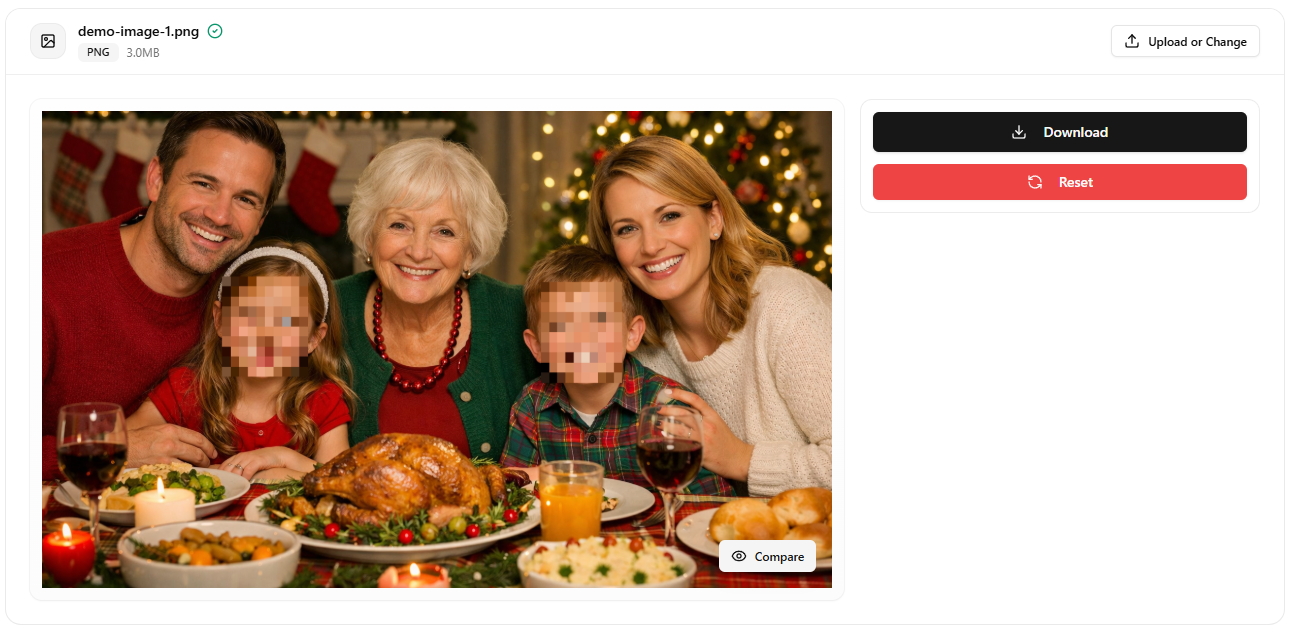
- Export the anonymized image.
Which effect should you use?
- Pixelized: strongest default for privacy-first publishing.
- Blur: cleaner look, but test strength carefully.
- Black Box: highest visual certainty when compliance is strict.
- Emoji: useful for informal or educational content.
If you are unsure, start with Pixelized High and reduce only after reviewing final output size and platform compression.
Quality tips so the final image still looks good
- Prefer source images with good exposure.
- Avoid over-compressing before anonymization.
- Check edge cases near glasses, hats, and profile angles.
- Validate the final export on the platform where it will be posted.
Photo publishing checklist
- Every face required by policy is anonymized.
- No identity leaks in reflections or background screens.
- Metadata or filenames do not reveal personal information.
- Only anonymized versions are shared externally.
When to use video or full-body tools instead
Use the video tool if your content is moving or frame-based: /en/tools/blur-faces-videos/
Use full-body anonymization if you must hide people beyond faces: /en/tools/blur-fullbody-videos/
Related guides
- Protecting privacy in photos and videos
- Best practices for anonymizing videos
- Face blurring vs other methods
FAQ
Can I blur multiple faces in one image?
Yes. The photo flow is designed for multi-face scenes.
Which setting is safest for public posting?
Pixelized High or Black Box, depending on your visual preference.
Does stronger anonymization always mean lower quality?
Not necessarily. Strong anonymity can still preserve overall scene readability.
Is this workflow good for social media?
Yes. It is especially useful where resharing and reposting are common.